Change a parent's sign-in email
A parent has a new email address. You start the change, and the parent finishes it from the new mailbox, so their sign-in, messages and bills move together.
Where: Parents > a parent > Change sign-in email
On the web, a parent's page
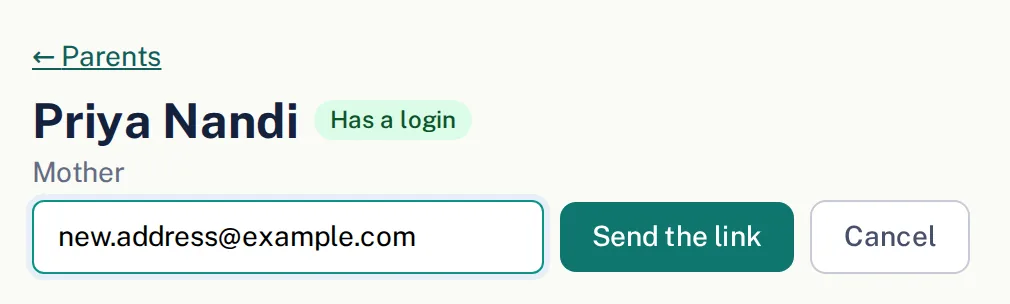
This is for a parent who already signs in to Farlow (Has a login on their page). If they have no login yet, change the address with Edit on the child's Family card, then invite them. Only a director can start the change.
- 1.
Open Parents and tap the parent's name.
- 2.
Under their name, tap Change sign-in email.
- 3.
Type the new address and tap Send the link.
- 4.
Farlow emails a link to the new address. Nothing changes until the parent opens it while signed in to Farlow as themselves.
Once the parent follows the link, their sign-in, their account and their contact on the child's Family card all move to the new address, and Farlow lets the old address know. Invoices, messages and password resets go to the new one from then on.
Questions
- Why can't the office just type in the new address?
- A parent's email is how they sign in, and it is where their invoices and notices go. If the office changed it alone, bills would go to the new address while the sign-in stayed on the old one. The link proves the new mailbox is theirs and moves everything together.
- What if the parent can't sign in anymore?
- They need to sign in once to finish. If they forgot their password, the password reset on the sign-in page sends a link to the address they sign in with now, the old one. If they can't get into that mailbox either, write to support@farlow.io.
- Can the parent change it on their own?
- Yes. On Your profile, next to their email, they tap Change it and get the same link.
- The link expired. What now?
- Start the change again. A link works for 24 hours, and a new one replaces the old.