Write an incident report and get it signed
The report goes to the family in the app, and their acknowledgment is kept with it.
Where: Incidents > Write an incident report > Send to the family
On the web, Incidents
- 1.
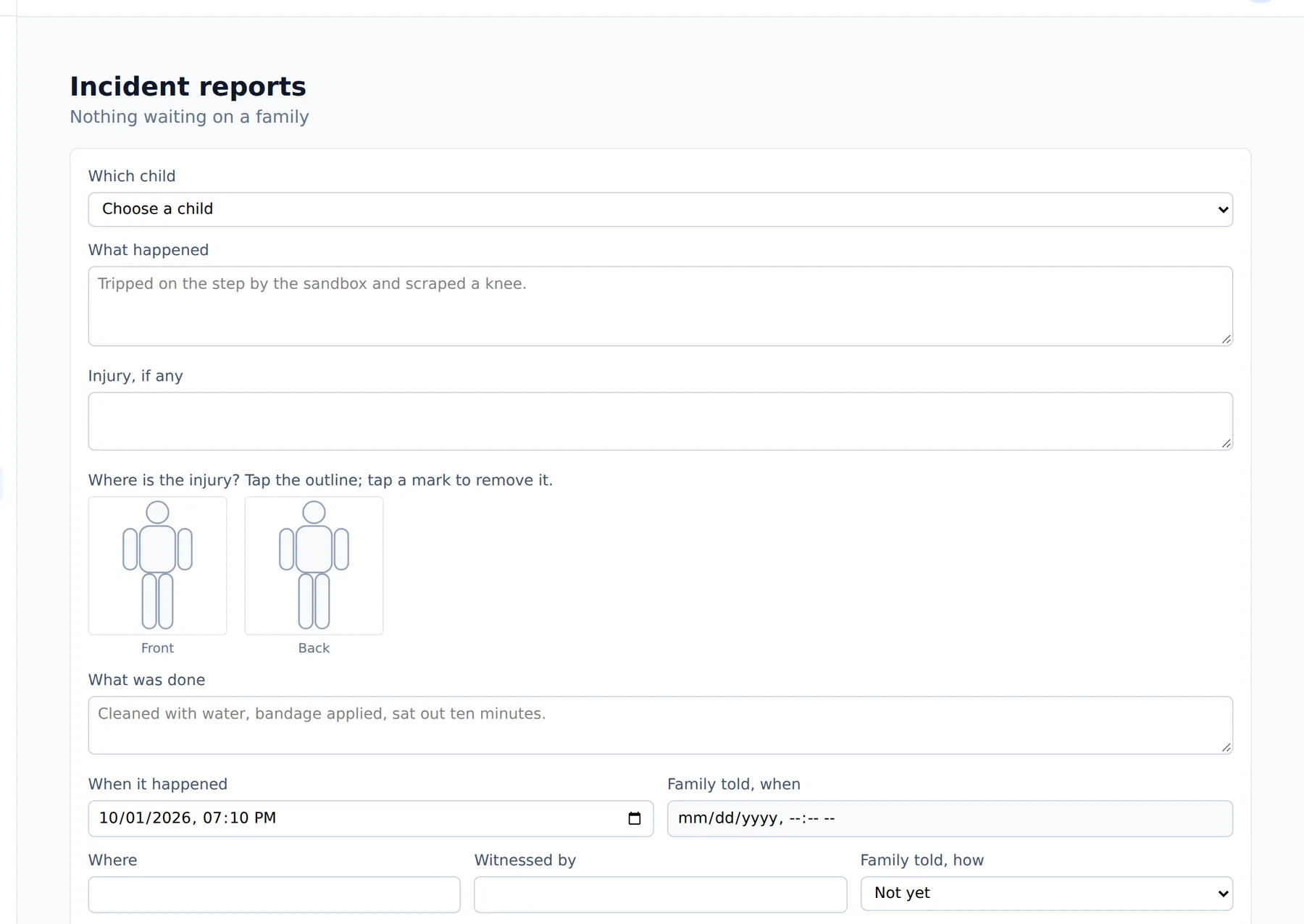
Open Incidents and tap Write an incident report.
- 2.
Fill in what happened, then tap Save as a draft.
- 3.
Check the draft and tap Send to the family. If your center reviews reports first, it goes to the office, and a director sends it on with Approve and send to the family.
- 4.
The family opens the report under Incidents on their phone, types their name under Your name and taps Acknowledge.
The report then shows who acknowledged it and when.
Questions
- Can I change a report after it is sent?
- Not the original text. Use Add a correction, which adds a note below it so the first version stays on record.
- Does every report wait for the office?
- Only where the center has the review step on. Otherwise it goes straight to the family.
- Where do I see whether the family signed?
- On the report itself, once they acknowledge it.