Send a child's daily report to the family
The report is the child's day as it was logged. You choose who it goes to.
Where: Children > a child > Daily report > Send
On the web, a child's daily report
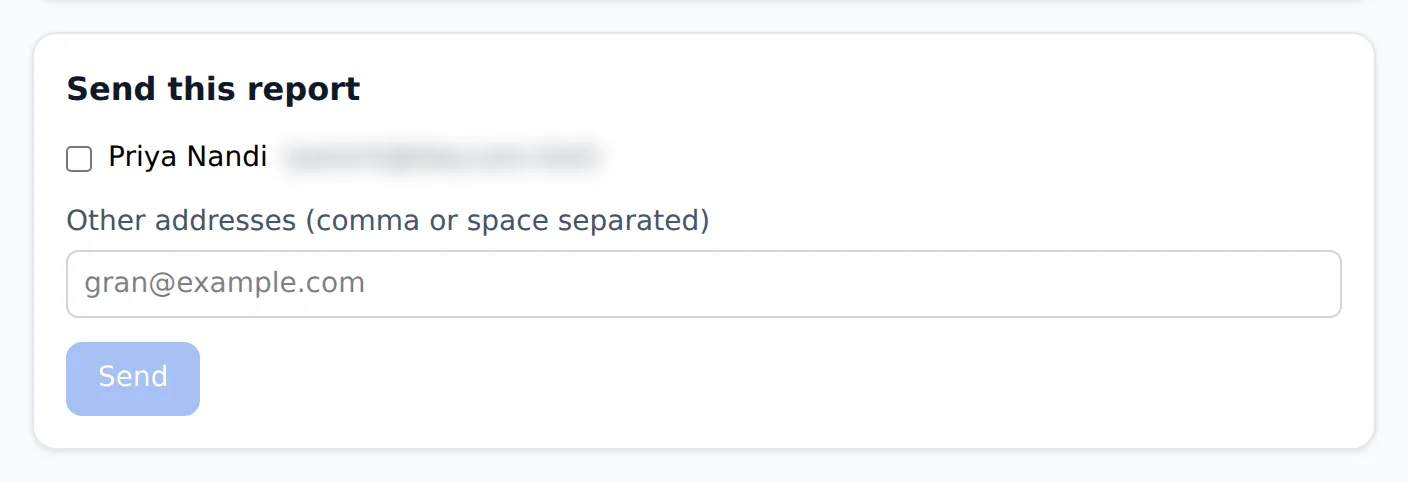
Something has to be logged for the child that day, or there is nothing to send.
- 1.
Open Children, tap the child, then tap Daily report.
- 2.
Check the day at the top. To send a different day, change Day.
- 3.
Under Send this report, tick the family members to send it to. Anyone not on the child's contacts can be typed into Other addresses (comma or space separated).
- 4.
Tap Send. The page confirms who it went to.
The report page also has Print, for a paper copy.
Questions
- Can I send a report for another day?
- Yes. Change Day at the top before you send.
- Why can I not send it?
- Nothing was logged for that day, or no one is picked to send it to. Tick a family member or type an address.
- Can I send it to a grandparent who is not on the app?
- Yes. Type their address into Other addresses (comma or space separated).