Set up a tuition plan and put a child on it
A plan is the rate and how often it is billed. Children are put on it from their own page, with the date it starts.
Where: Billing > Plans > Add plan, then a child > Enrollment & billing > Move to
On the web, a child's page
- 1.
Open Billing and go down to Plans.
- 2.
Fill in the new plan: its name, the amount and how often it is billed. Tap Add plan.
- 3.
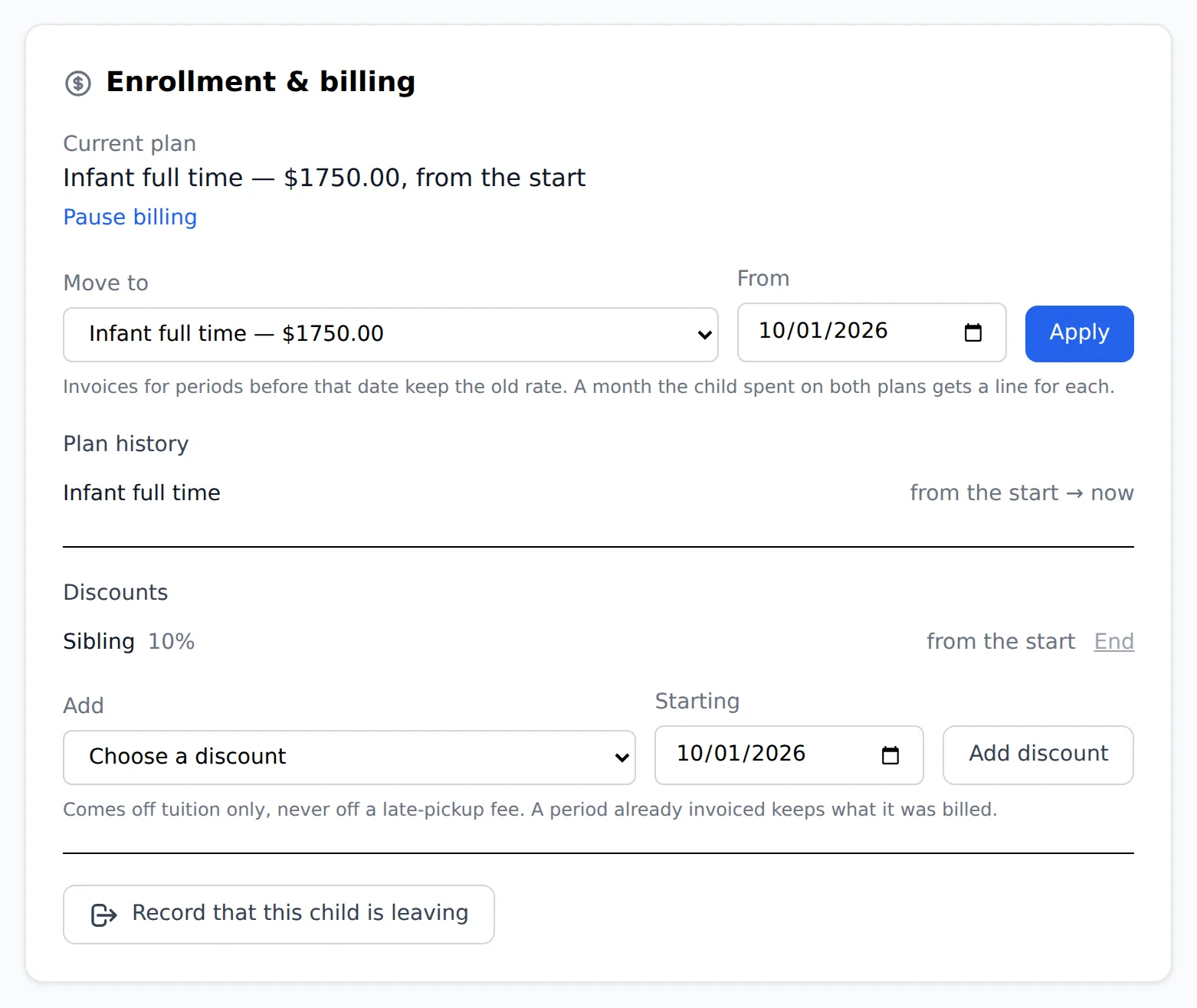
Open the child's page from Children and find Enrollment & billing.
- 4.
Under Move to, pick the plan and the date the new rate starts, then tap Apply.
Invoices already made keep the rate they were made with. The new rate starts on the date you picked.
Questions
- Can I add children from the plan itself?
- No. The plan's list manages the children already on it. Putting a child on a plan is done from the child's page.
- How do I stop billing a child?
- Under Move to, pick No plan (stop billing) and the date.
- Who can do this?
- A director or anyone the center gives billing access.