Check in your child at the front door
At the door there is a tablet. Your family's four-digit code is all you need.
Where: The tablet at the door > Enter your family code > Check in
The tablet at the door
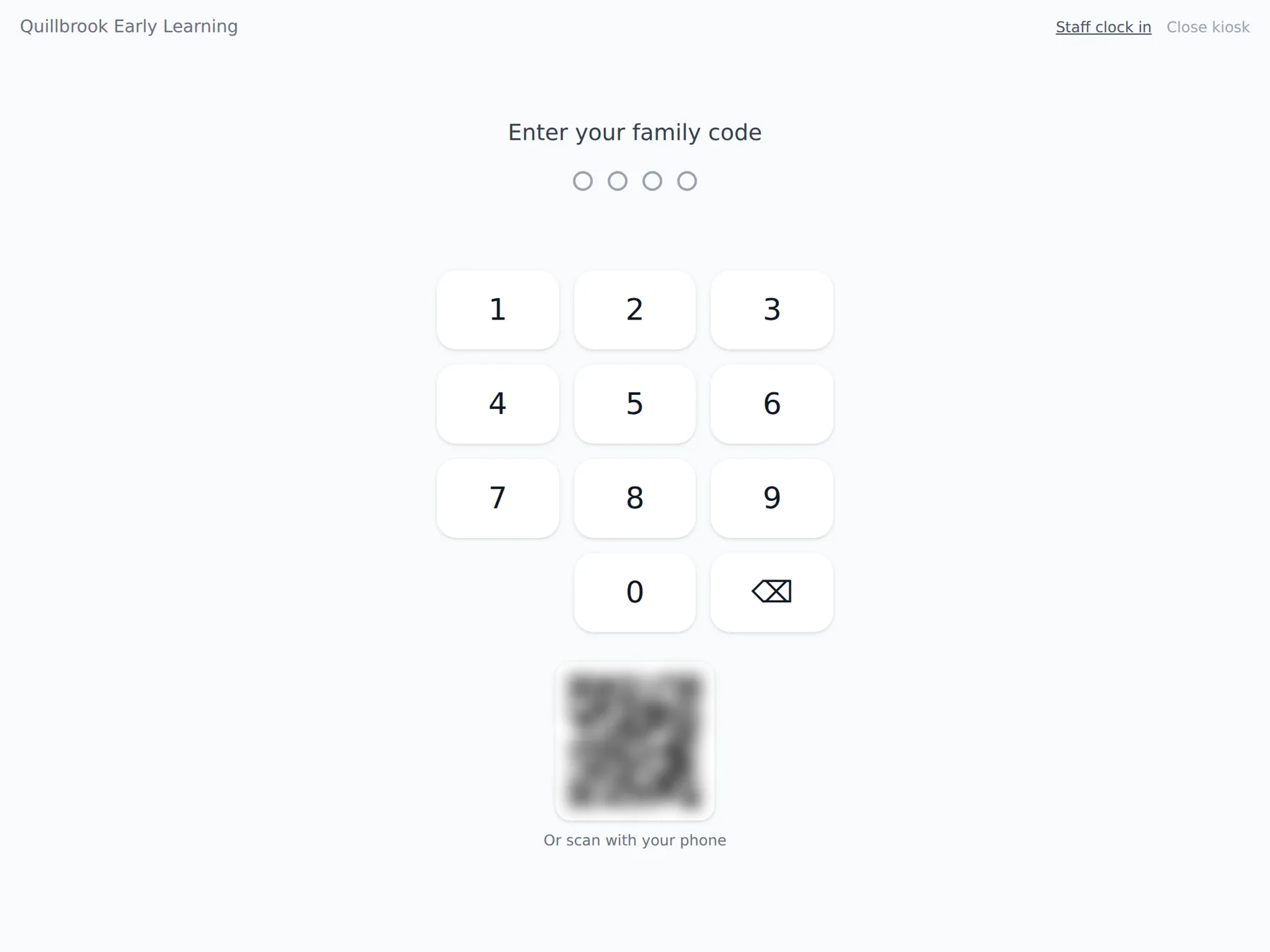
Your center gives each family a code. A director makes it on your child's Family card with Give a code. If you do not have one, ask at the desk.
- 1.
On the tablet, under Enter your family code, type your four digits. It moves on by itself after the fourth.
- 2.
You see your name and your children. If your center asks health questions or a temperature, answer those first.
- 3.
Tick the children you are dropping off and tap Check in.
- 4.
The tablet says Welcome! and goes back to the keypad on its own.
- 5.
At pickup, do the same and tap Check out.
Some centers also show a QR code beside the keypad, marked Or scan with your phone. Scan it, and the same screen opens on your own phone with no sign-in. You still type your family code there. If you see That code is not recognized., check the digits or ask at the desk.
Questions
- Does the family sign in to the tablet?
- No. A staff member opens the kiosk on the tablet, and families only type their four-digit code.
- What if the code is wrong?
- The tablet says That code is not recognized. After too many wrong tries it waits before taking another code.
- Can a family check in from its own phone?
- Yes, where the center shows the QR code beside the keypad. The family scans it and types its code on its own phone.