Make a sign-up sheet for conferences
Families pick their own time from home. You set the times once.
Where: Sign-ups > New sheet > add the times > Open
On the web, Sign-ups
- 1.
Open Sign-ups and tap New sheet.
- 2.
Give it a title, for example Parent-teacher conferences, and fill in What to tell families. Set Sign-ups from and Until, and under Who choose Every family or one room. To offer it to a few families only, pick them under Chosen families (optional). Save it. It starts as a draft.
- 3.
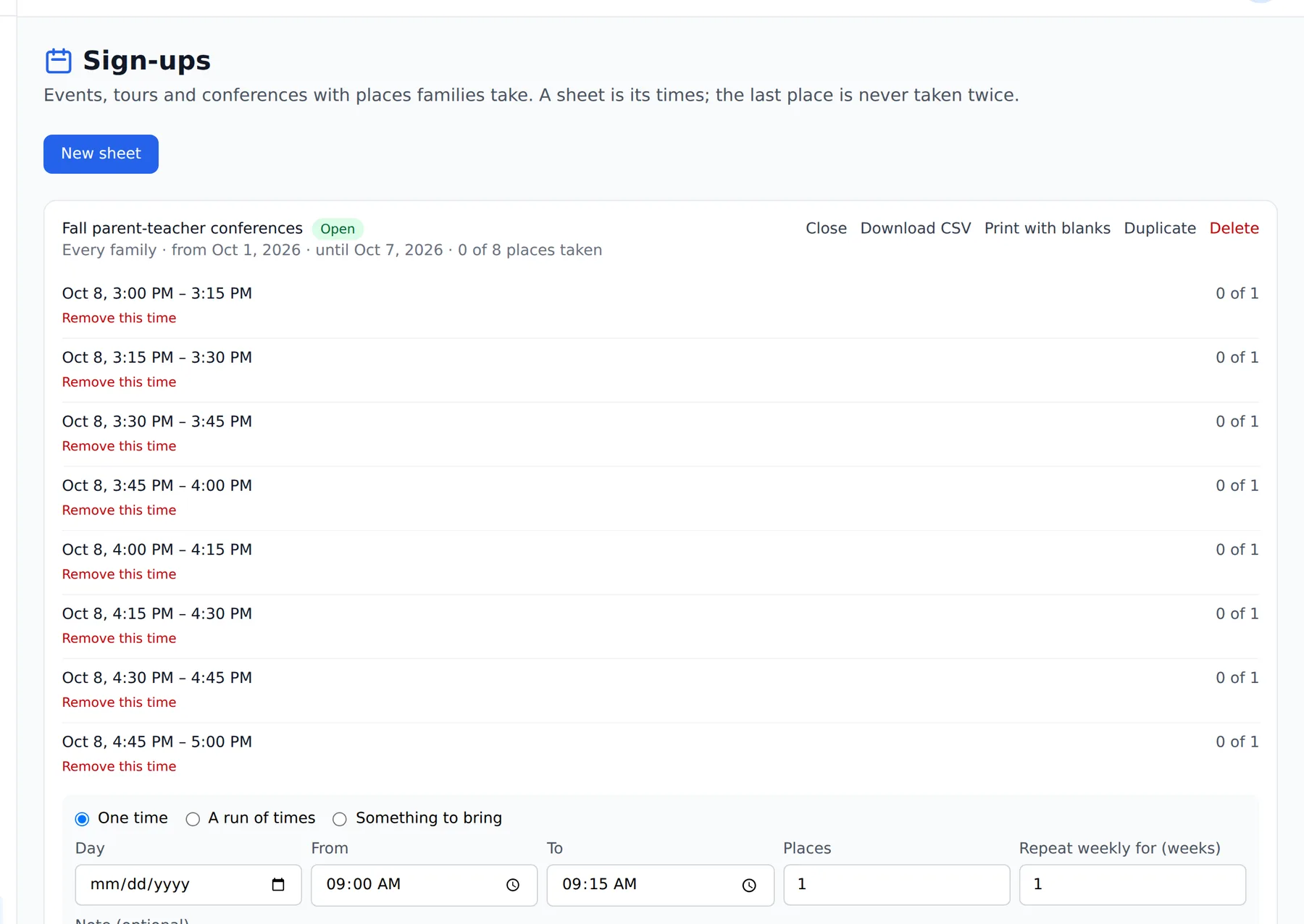
Add the times. For one slot choose One time. For a whole afternoon of conferences choose A run of times, set the Day, From, To and Minutes each, and tap Add the run. Places is how many families each time holds; for a conference that is usually one.
- 4.
When the times look right, tap Open and confirm. Families can take a place from their home screen right away.
- 5.
To stop new sign-ups, tap Close. You can Reopen it later.
Teachers can make sign-up sheets too, for their own rooms. A sheet can also ask families to bring things instead of picking a time: choose Something to bring.
Questions
- Can a teacher make a sheet?
- Yes, for their own rooms. Offering a sheet to chosen families or as tours for new families is for a director.
- Do families see a sheet before it is opened?
- No. A new sheet is a draft until you tap Open.
- How do I stop sign-ups?
- Tap Close. You can Reopen it later.