Download all of your center's records
One ZIP file of spreadsheets, whenever you want it, whether or not you subscribe.
Where: Settings > Your subscription > Download your data
Settings, under Your subscription
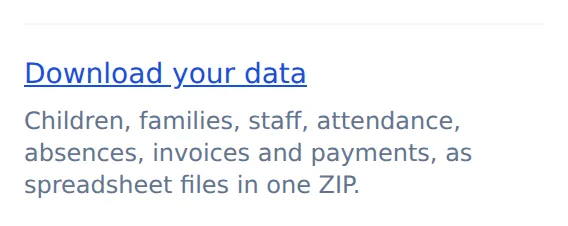
This is for the center's director. A manager or a bookkeeper does not see it.
- 1.
Open Settings and find Your subscription.
- 2.
Tap Download your data.
- 3.
Your browser saves one ZIP file. Inside is a spreadsheet for each kind of record, plus your inquiries.
Photos, documents and signed forms are not in this file. Each has its own download on the Photos and Paperwork pages.
Questions
- Can I download it after canceling?
- Yes. The button is there whether or not you have a subscription.
- Will the files open in Excel?
- Yes. They are CSV files, which Excel, Numbers and Google Sheets all open.
- Who can download it?
- The director. A manager or bookkeeper does not see the button.