Clock in and out of your shift
Clocking in to a room puts you in that room's ratio count.
Where: Ratios > Your shift
On the phone, Ratios
- 1.
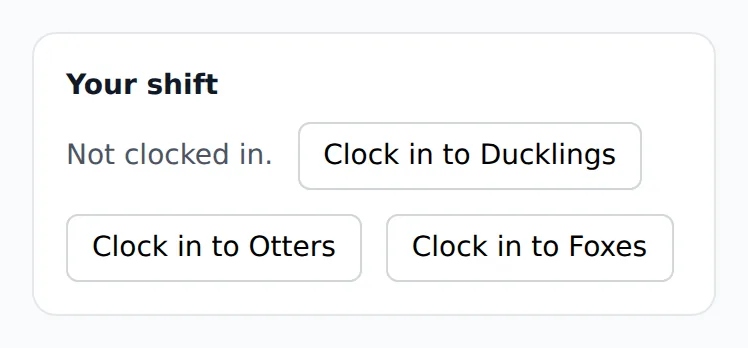
Open Ratios. Your shift is at the top and says Not clocked in.
- 2.
If your center asks questions at clock-in, answer them first.
- 3.
Tap the button with your room's name. You are clocked in and counted in that room.
- 4.
If you move rooms during the day, change the room in the box beside your shift.
- 5.
At the end of your day, tap Clock out.
Some centers take clock-ins only at the room's tablet. The card then says so, and you clock in at the tablet with your staff code.
Questions
- I forgot to clock out. What now?
- Tell the office. A director or manager fixes the time on Timesheet with Edit.
- Does moving rooms change the ratios?
- Yes. You count in the room you are in, and changing the room moves you.
- Where do I get a staff code?
- From a director, who makes it on the Team screen.