Add a photo to a child's day
A photo goes in as an entry in the child's day, with a note if you like.
Where: Activities > Log Activity > Photo > Add Photo/Video > Save Entry
On the phone, Activities
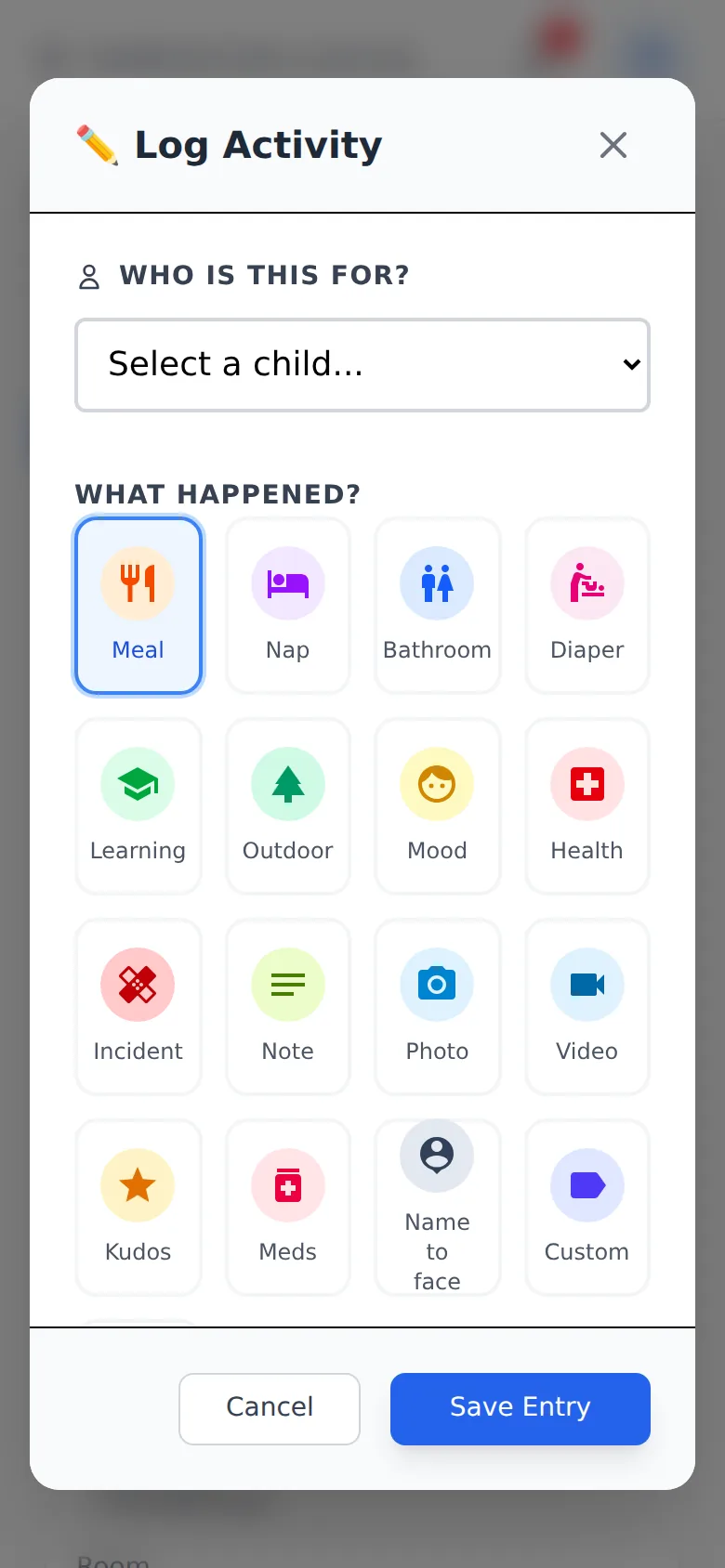
- 1.
Open Activities and tap Log Activity.
- 2.
Under Who is this for?, pick the child.
- 3.
Under What happened?, tap Photo.
- 4.
Tap Add Photo/Video and take or choose the picture. Add a note if you like, then tap Save Entry.
The family sees it in the child's day. To keep an entry for the staff only, tick Staff only (families will not see this) before saving.
Questions
- How large can a photo or video be?
- A photo up to 10 MB, a video up to 100 MB and 90 seconds.
- Can any entry carry a photo?
- Yes. A meal or an activity can have a photo too.
- What if the upload fails?
- The form says so. Try again; on a phone with no signal the entry waits and sends when the network is back.